New format support and improved CNC fillet and sheet metal bend recognition in Manufacturing Toolkit 2026.7
The new release introduces initial import support for Parasolid, SOLIDWORKS, Solid Edge, and Designcenter NX, adds concave and convex fillet recognition in CNC machining, and improves sheet metal bend recognition. It also extends MTK Workbench with new drawing and measurement capabilities and brings workflow improvements to MTK Web.

Initial import support for Parasolid, SOLIDWORKS, Solid Edge, and NX
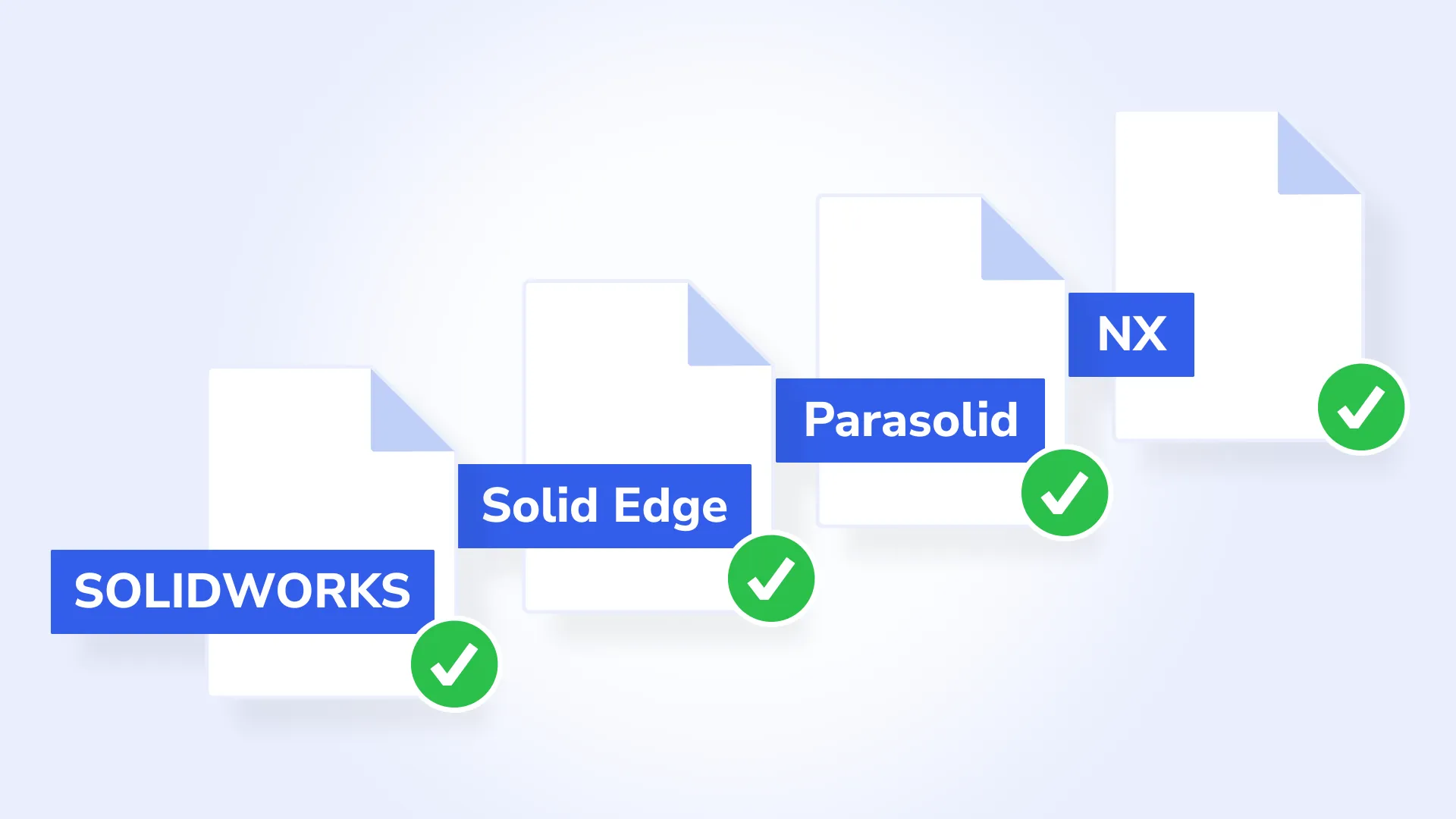
Manufacturing Toolkit now provides initial import support for Parasolid and several Parasolid-based formats, including SOLIDWORKS, Solid Edge, and Designcenter NX.
Import supports B-Rep geometry and body names. Both parts and assemblies can be imported from Parasolid files, while SOLIDWORKS, Solid Edge, and NX import currently supports parts only.
These capabilities expand the range of CAD data that can be used in MTK workflows. For more information about the supported data and current limitations, please refer to the Supported Formats documentation.
Recognition of concave and convex fillet features in CNC machining
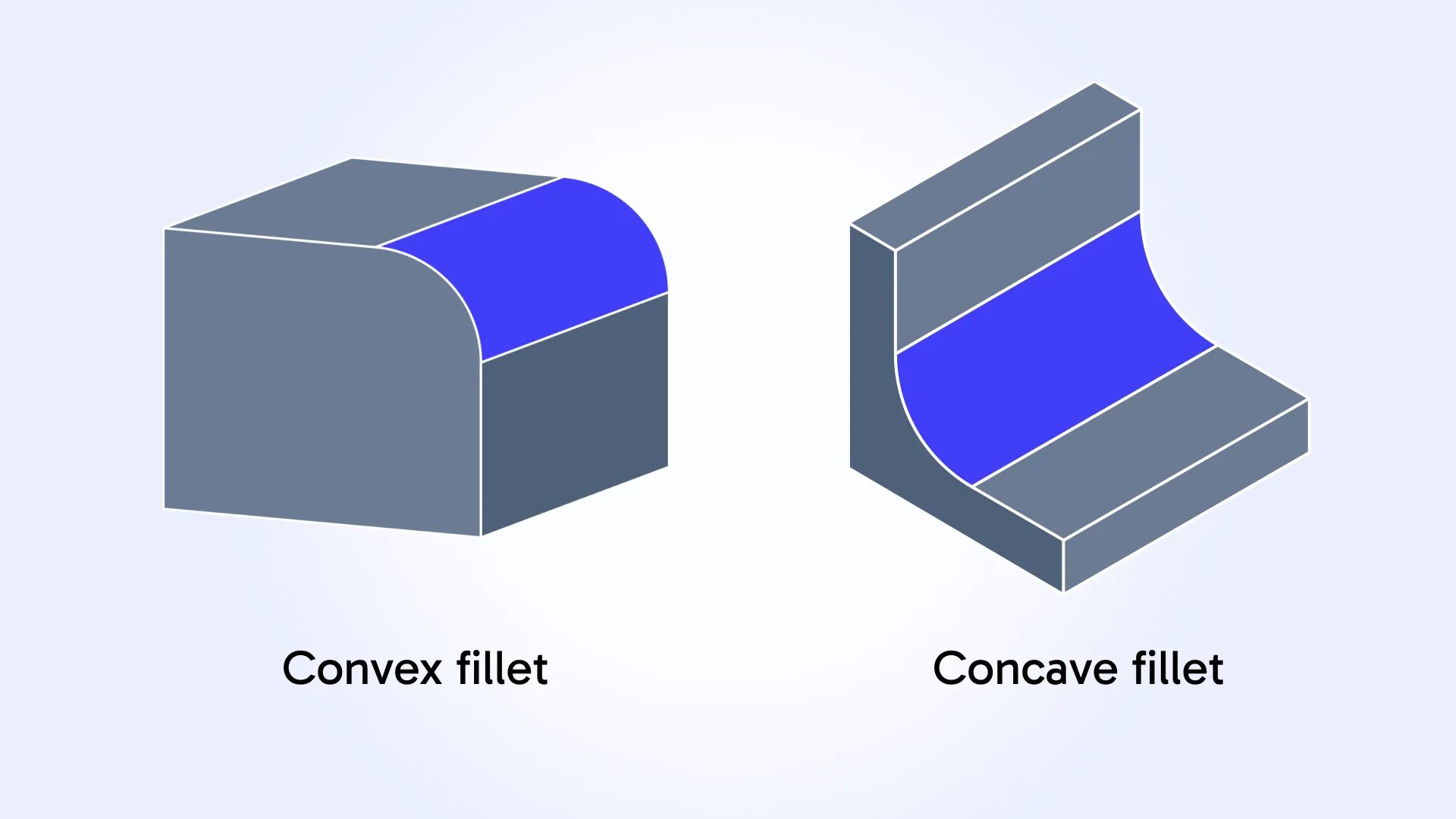
CNC feature recognition has been extended with a new Machining_Fillet feature for recognizing concave and convex fillets.
Connected fillet faces are now grouped into a single feature, with radius and length available as feature parameters. Fillets can also be recognized as sub-features of pockets, bores, and turning grooves.
The new feature replaces the existing Machining_FT_ConcaveFilletEdgeMilling and Machining_FT_ConvexProfileEdgeMilling face types, which are now deprecated and scheduled for removal in 2027.
The FilletRadiusThreshold and ProfileRadiusThreshold parameters have also been deprecated in favor of MaxConcaveFilletRadius and MaxConvexFilletRadius, respectively.
Improved sheet metal bend recognition
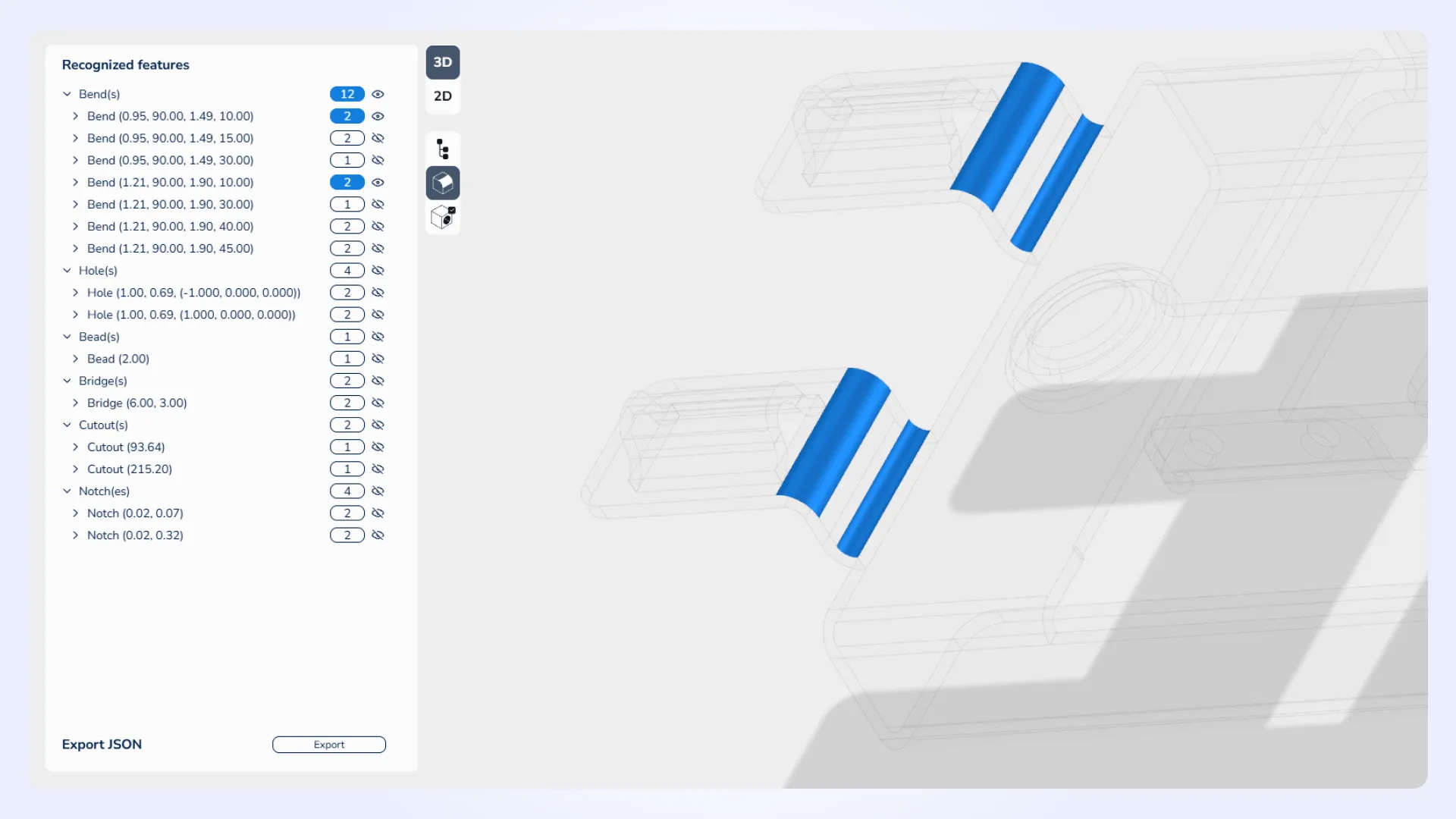
Sheet metal bend recognition has been improved to combine bends sharing the same axis into a single bend when they represent one manufacturing operation.
Previously, such bends could be recognized as separate features even when they could be manufactured in a single operation. The updated recognition better reflects the manufacturing process and can help applications calculate manufacturing costs more accurately.
MTK Workbench updates
Drawing boundaries and properties have been extended. A 2D axis-aligned bounding box is now available for drawings, sheets, views, and elements in Drawing and Nesting modes. The existing boundary preview displays a green outline around the selected object, while the Properties panel provides its size, minimum and maximum corners, center, and area.
Flat patterns can now be saved as drawings. A new Save Drawing action in 2D mode allows unfolded flat patterns to be stored as Drawing representations within MTK models and exported to .mtk or .dxf files. These drawings can also be used in downstream workflows such as nesting.
New measurement and statistics capabilities have been added. The Measurements panel now supports Length measurements for edges and wires and Coordinate measurements for vertices. Statistics can also be displayed for a selected element, in addition to the entire model.
File operations have been reworked. Standard Import and Export dialogs have been replaced with dedicated file operation panels, and a list of recently opened models has been added.
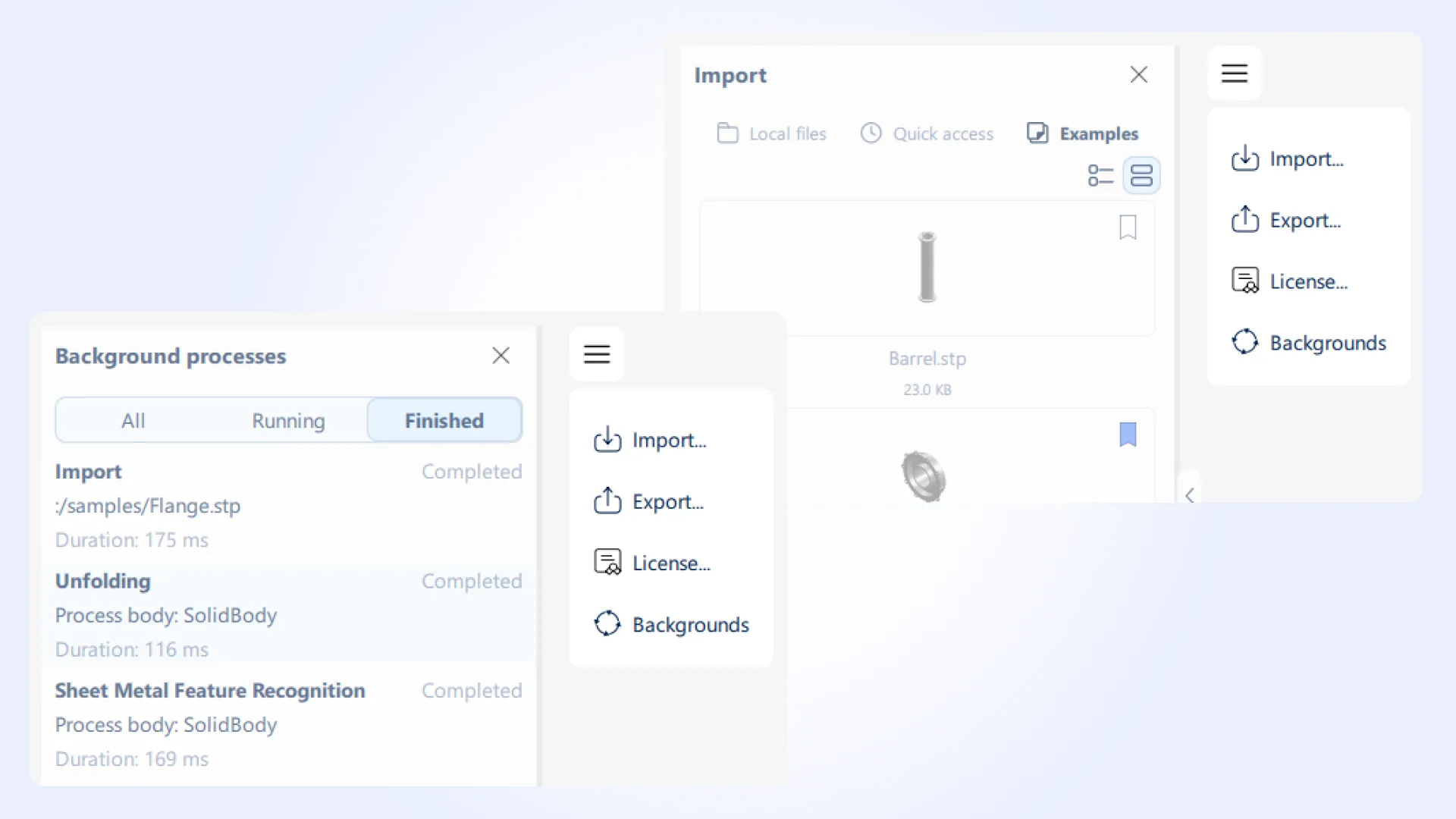
Background process management has been improved. A new Background Processes panel allows you to monitor and cancel running operations. It displays process durations, provides start and finish times in tooltips, and retains completed processes in the history.
Additional interface and deployment improvements. ViewCube now includes rotation arrows and becomes transparent when inactive. MTK Workbench also uses statically linked MTK libraries and no longer requires MTK dynamic libraries.
MTK Web updates
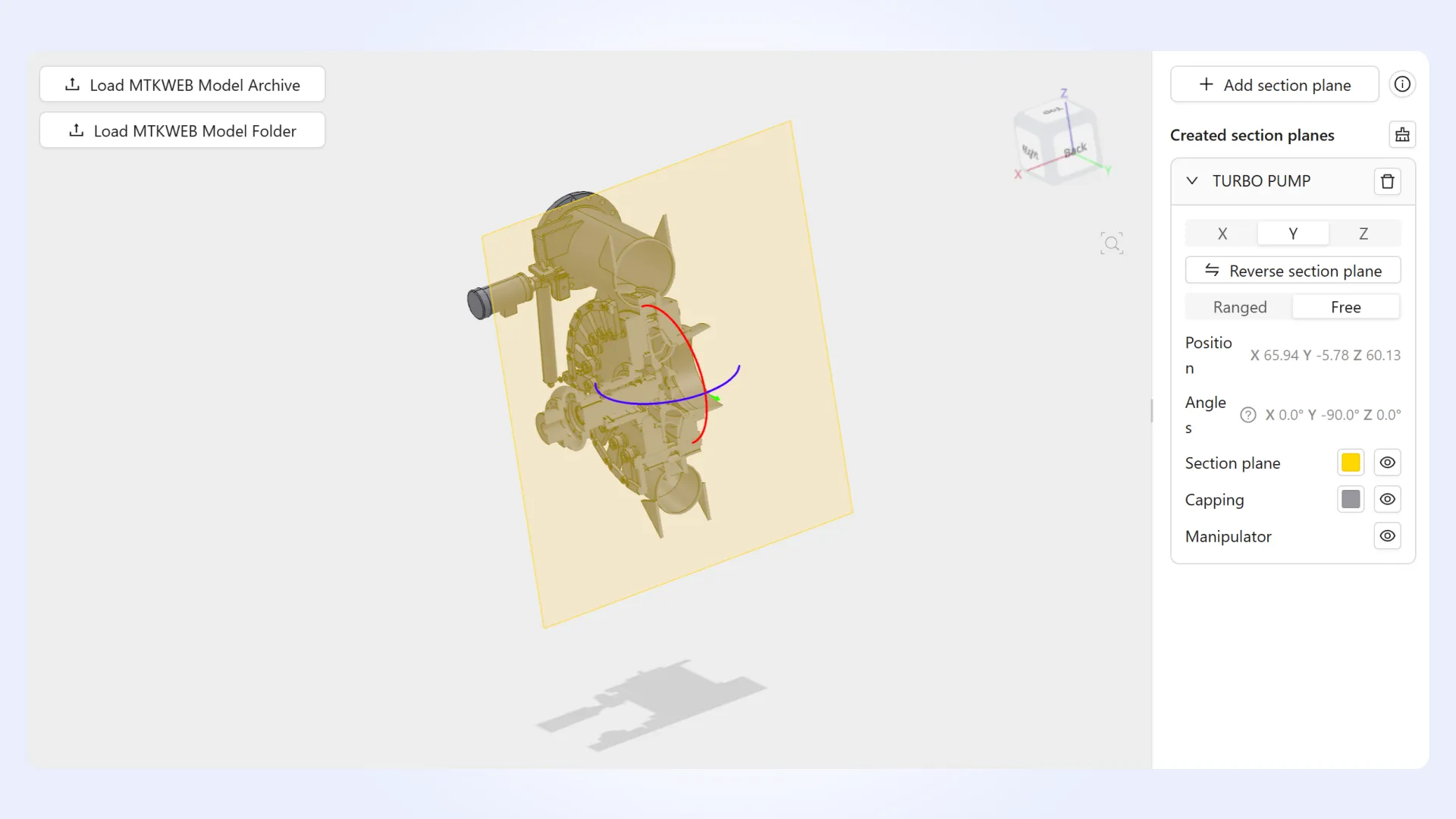
Manufacturing analysis workflows have been extended. The examples now support custom manufacturing processes and multiple analysis variants for the same model element. Feature and DFM trees can also represent hierarchies of arbitrary depth.
Camera navigation has been improved. Animated transitions are now available for ViewCube, Fit All, PMI saved views, and design review items. Transition timing is configurable, with support for reduced motion preferences.
Additional visualization and interaction improvements. Section plane cards now display position and angle values. Wall Thickness Analysis includes improved range controls and unit handling, while tree selection supports Cmd+click and clearing selections by clicking empty panel space. Rotation manipulators now follow pointer movement through full turns.
MTK support for .NET 8, Java 8, and Python 3.10 will end in January 2027
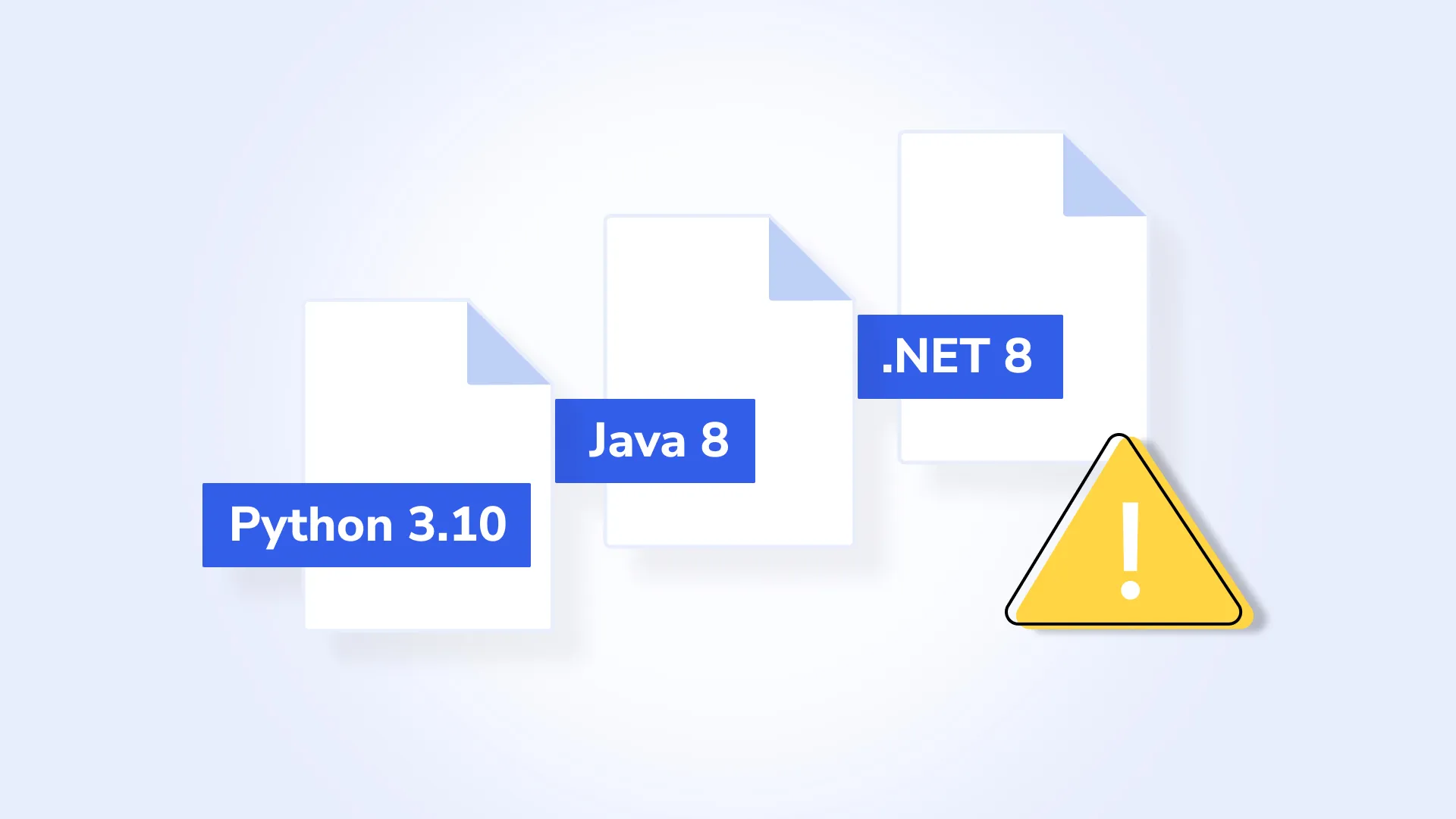
The next Manufacturing Toolkit release will be the last to include packages for .NET 8, Java 8, and Python 3.10. Support for these configurations will end in January 2027.
If your application relies on these configurations, please plan to migrate to newer supported versions.
For more information, refer to the Supported Platforms section of the documentation.
For the complete list of updates in Manufacturing Toolkit 2026.7, please refer to the changelog.