Manufacturing features you can recognize with MTK

Manufacturing Toolkit provides precise geometry processing, feature recognition, DFM analysis, and web visualization — all in a single SDK.

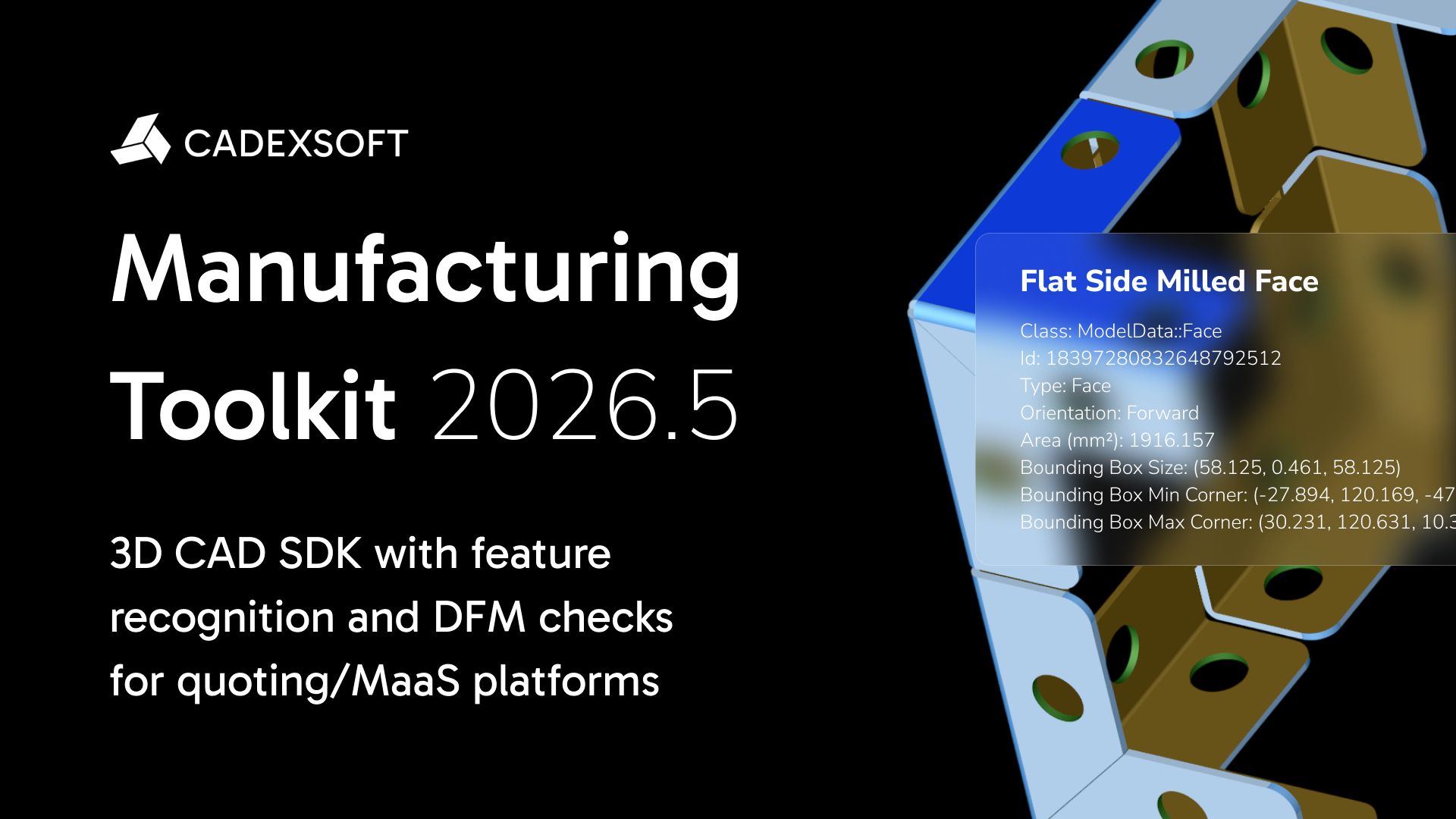
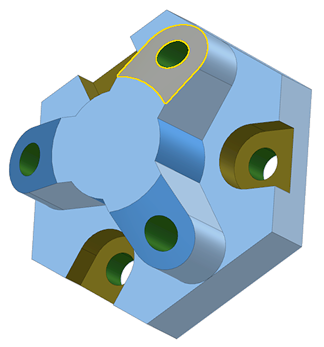
Feature recognition visualization on a mechanical part

Holes (CNC Machining)

Hole overview

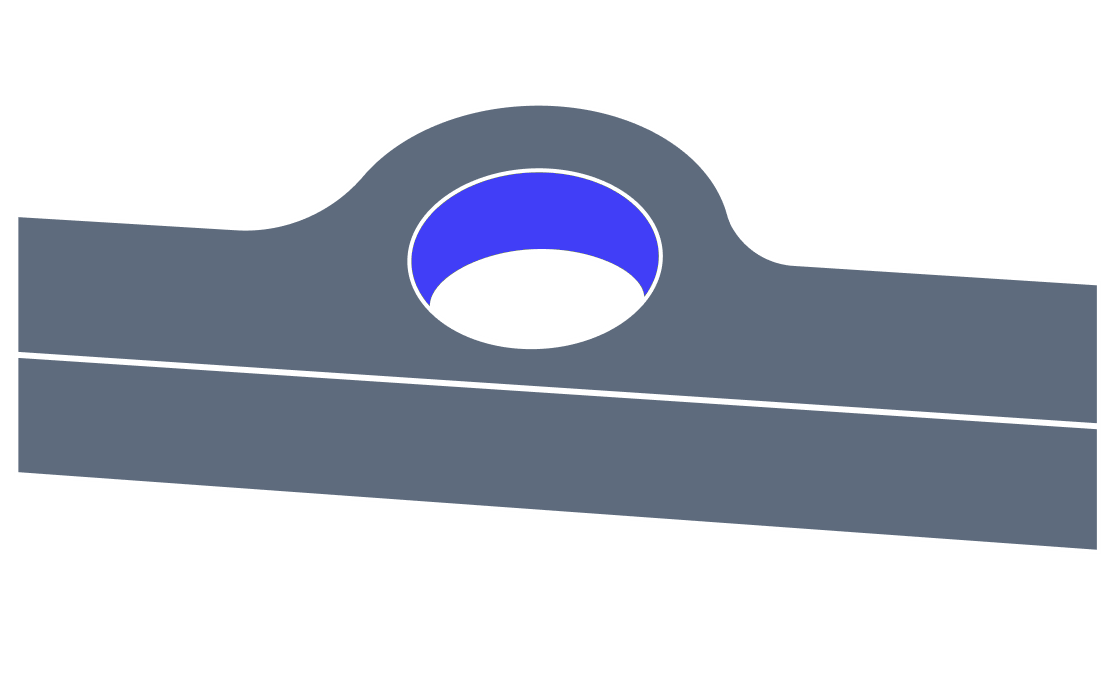
A hole is a cylindrical feature that can be made by cutting from the workpiece by a rotating cutting tool. The hole can be either a through hole or a blind hole.

A through hole is a complete hole that you can see on both sides of the object, while a blind hole is only drilled, milled or reamed to get a specific depth.

The blind hole can have a flat bottom or pointed end due to the ending point of the tool. Also, holes can be made at the edge of the material – partial holes, in this case only part of the hole is in the material.

How MTK recognizes holes

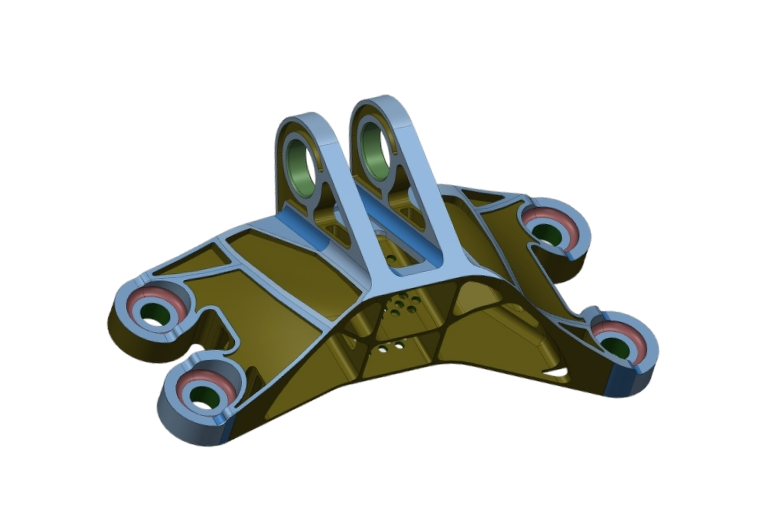
MTK automatically recognizes holes in B-Rep CAD models and extracts their manufacturing-relevant parameters. The recognized feature data can be used for automated quoting, DFM analysis, and manufacturing workflows.

Documentation and API reference

Detailed API reference for hole feature recognition is provided in the MTK documentation, including feature classes and integration details.
Hole

Explore recognized features by process

CNC machining

CNC machining

  • Recognize bosses, pockets, holes, faces, and countersinks.
View features
Sheet metal

Sheet metal

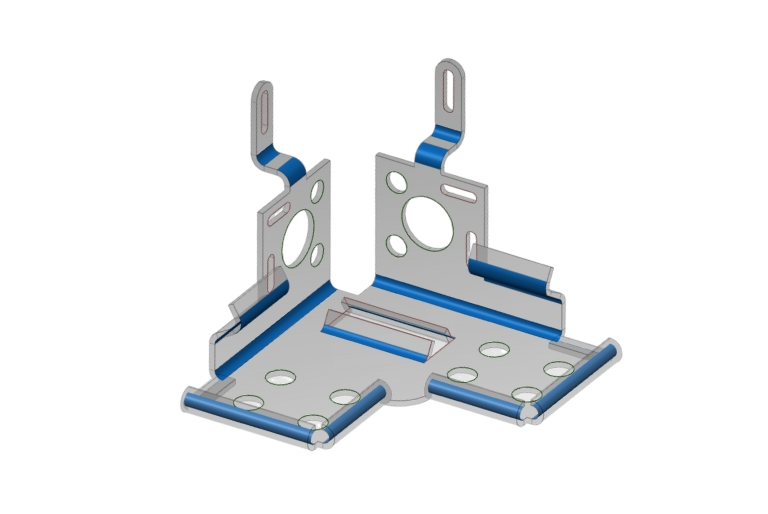
  • Recognize bends, bridges, louvers, cutouts, holes, and notches.
View features
Injection molding

Injection molding

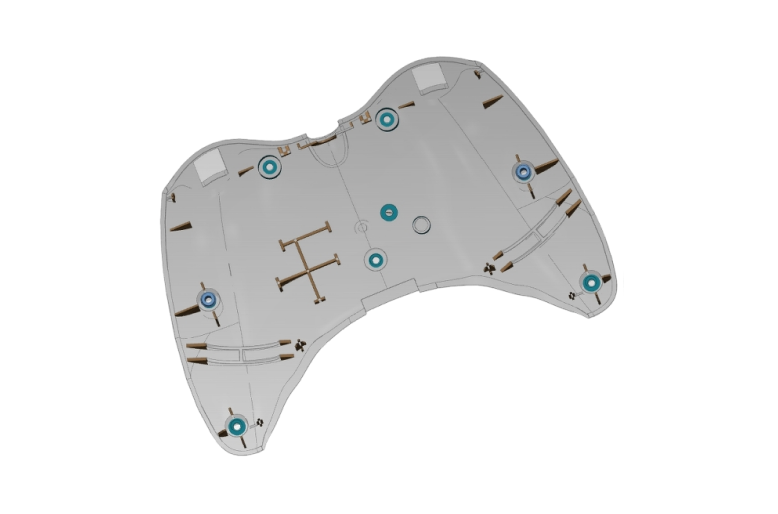
  • Recognize ribs, bosses, and screw bosses.
View features
Rahul Arethiya

Karkhana.io logo

"Manufacturing Toolkit has played a crucial role in building our costing engine. It allows us to deliver faster and more accurate quotations, which is essential for our buyers and suppliers. We’re saving time and streamlining the manufacturing industry across India."

Rahul Arethiya

Product Manager, Karkhana.io

Roland Mokuolu

Partsimony logo

"Manufacturing Toolkit helps us optimize designs early, saving time and costs. It provides precise and instant design for manufacturability (DFM) feedback focused on key processes, such as sheet metal fabrication and CNC machining. Excellent documentation and support make CAD Exchanger a reliable partner for our needs."

Roland Mokuolu

Co-founder and COO, Partsimony

Karen McRitchie

Galorath Inc. logo

"We had an excellent experience working with the CAD Exchanger and found them to be professional, responsive and have a solid understanding of the domain"

Karen McRitchie

VP Product Development, Galorath Inc.

Marco Bauer

up2parts GmbH logo

"We’ve been using both MTK and CAD Exchanger for several years, and these technologies have been instrumental in delivering superior software solutions to our clients in order to automate their individual manufacturing process chains based on the AI copilot of up2parts."

Marco Bauer

CEO, up2parts GmbH

Latest from our blog

Manufacturing Toolkit overview

Manufacturing Toolkit overview

Read more
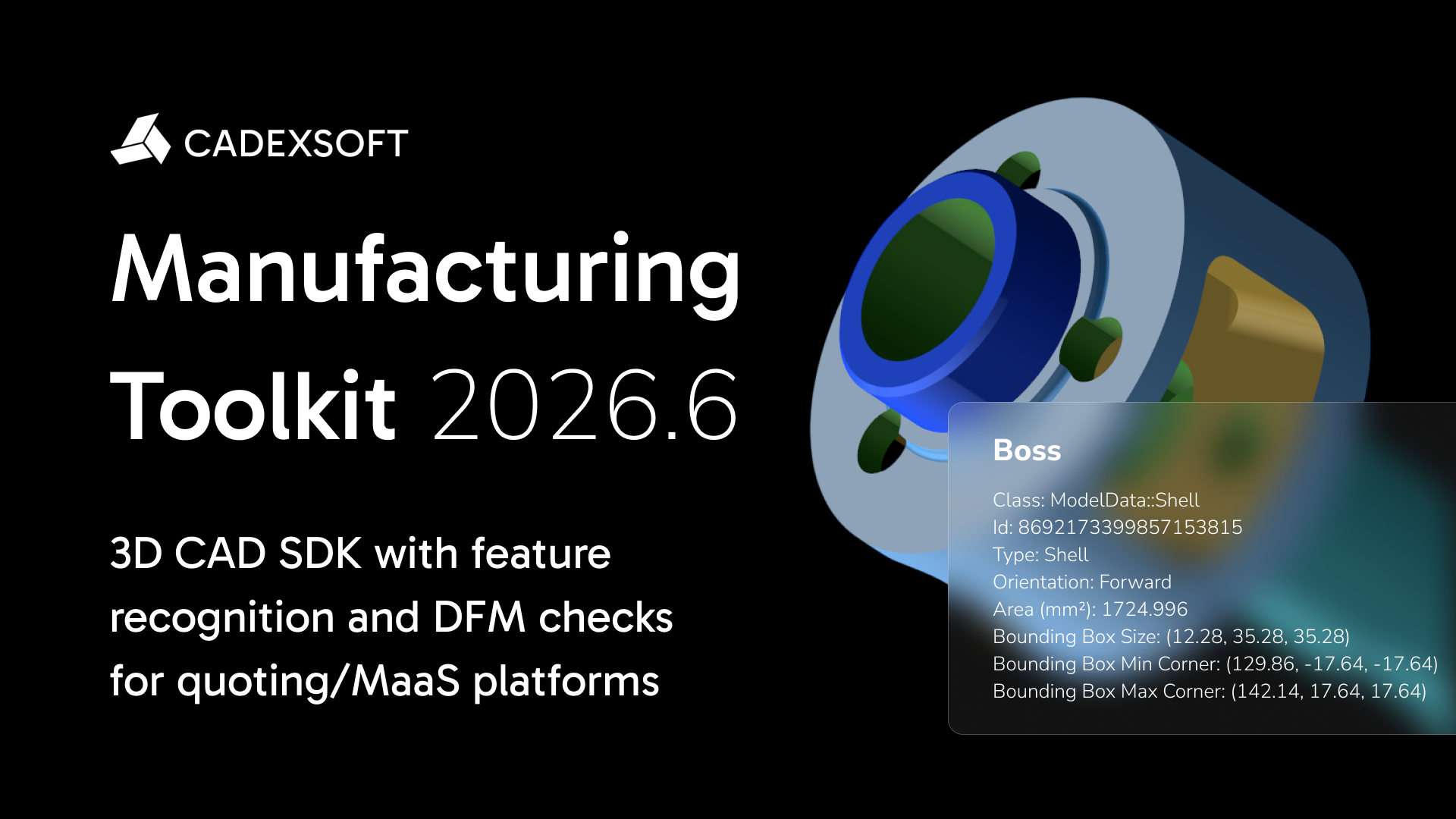
STEP AP242 export, improved CNC and sheet metal feature recognition, and extended PMI support in Manufacturing Toolkit 2026.6

STEP AP242 export, improved CNC and sheet metal feature recognition, and extended PMI support in Manufacturing Toolkit 2026.6

Feature recognition and MTK Web improvements in Manufacturing Toolkit 2026.5

Feature recognition and MTK Web improvements in Manufacturing Toolkit 2026.5

Join the CADEXSOFT newsletter

Stay updated with our latest news and product releases!

Bring CAD intelligence

to your quoting or MaaS platform

Contact sales